
Tutoring options
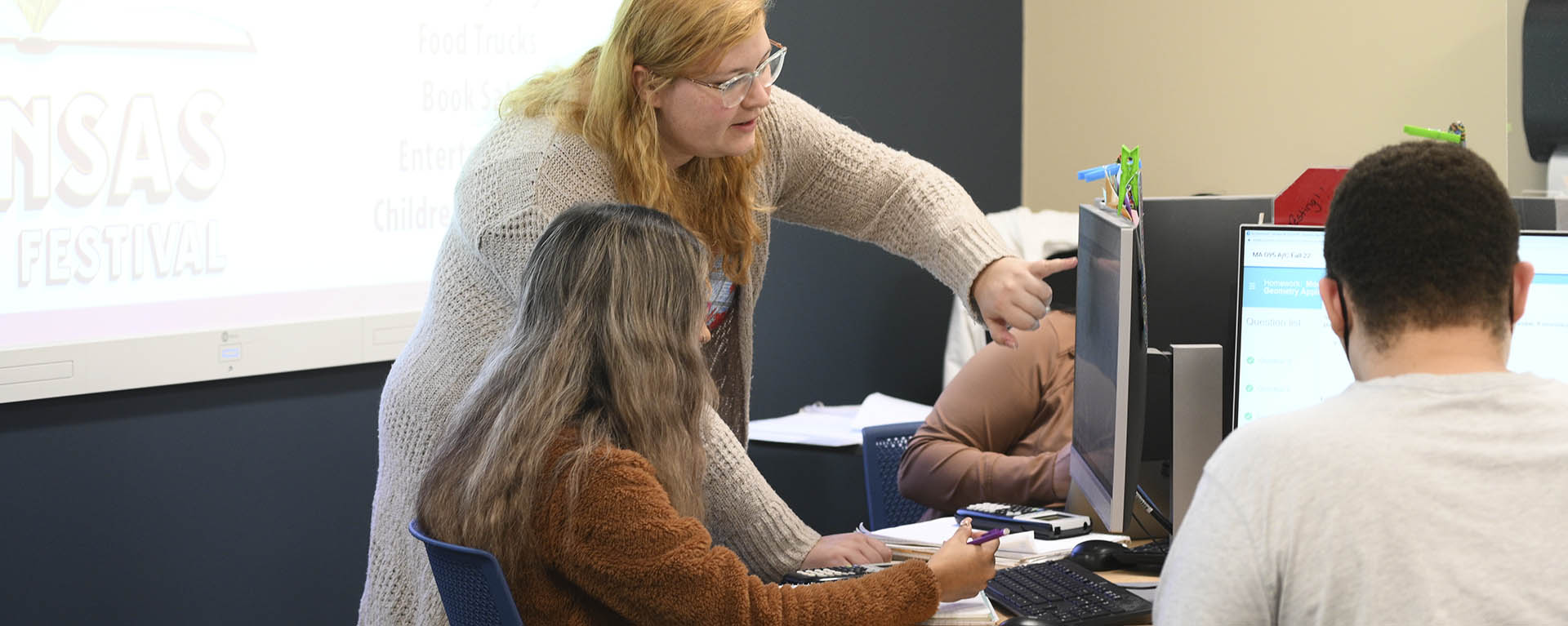
At Washburn we're committed to helping you succeed. As a student you have access to both in-person tutoring options and a 24/7 virtual tutoring service. All tutoring is free.
Writing Center
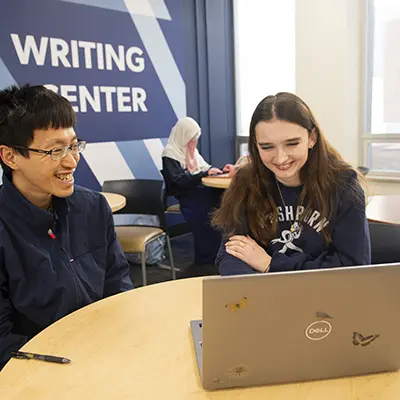
The Writing Center is the place to get in-person, one-on-one help with writing across all disciplines. With 11 trained peer tutors and two dedicated faculty members, we're equipped to meet you wherever you are in your writing journey.
Location: Plass 116, located in the lower floor of the Plass Learning Resources Center
Hours:
- Monday: 11:00 am - 5:00 pm
- Tuesday: 11:00 am - 5:00 pm
- Wednesday: 11:00 am - 5:00 pm
- Thursday: 11:00 am - 5:00 pm
- Friday: 11:00 am - 4:00 pm
Math tutoring

Math lab
The math lab is staffed by two full-time mathematics faculty members and peer tutors and specializes in tutoring students in MA 112, MA 113, and MA 116.
Location: Plass Learning Resources Center, Room 110
Hours:
- Monday: 8:00 am - 7:00 pm
- Tuesday: 8:00 am - 7:00 pm
- Wednesday: 8:00 am - 7:00 pm
- Thursday: 8:00 am - 7:00 pm
- Friday: 8:00 am - 3:00 pm
- Sunday: 1:00 pm - 5:00 pm
No appointments required.
For more information or questions, email mathtutoring@washburn.edu
Math tutoring center
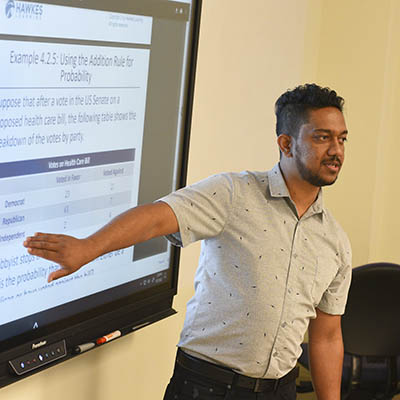
The math tutoring center is staffed by peer tutors who are typically math or science majors. The center specializes in tutoring students in MA 116, MA 117, MA 123, MA 140, MA 141 and MA 151.
Location: Morgan Hall, Room 252
Hours:
- Monday: 9:00 am - 3:00 pm
- Tuesday: 9:00 am - 3:00 pm
- Wednesday: 9:00 am - 3:00 pm
- Thursday: 9:00 am - 3:00 pm
- Friday: 9:00 am - 12:00 pm
No appointments required.
For more information or questions, email mathtutoring@washburn.edu
Additional tutoring options
Many academic departments provide free face-to-face tutoring for the courses they teach. The tutoring schedule is below, or check with your instructor about tutoring availability.
- Monday: 8 a.m. - 12 p.m. & 6 p.m. - 7 p.m.
- Tuesday: 10 a.m. - 3 p.m. & 4 p.m. - 7 p.m.
- Wednesday: 8 a.m. - 12 p.m. & 2 p.m. - 4 p.m.
- Thursday: 8 a.m. - 11 a.m. & 12 p.m. - 5 p.m. & 7 p.m. - 8 p.m.
- Friday: 9 a.m. - 2 p.m. & 3 p.m. - 5 p.m.
Business BU 250
- Sunday:
- 1:00 pm – 3:00 pm Plass 224C
- Tuesday:
- 2:30 pm – 5:00pm Plass 224C
- 5:00 pm – 6:30 pm Plass 224D
- Thursday:
- 2:30 pm – 5:00 pm Plass 224C
- 5:00 pm – 6:30 pm Plass 224D
- Zoom 5:30 pm – 8:30 pm email bu-250-zoom@washburn.edu for an appointment
Accounting 224 & 225
- Monday and Friday:
- 1:30 pm – 2:20 pm Front Entrance Plass Library
- 2:00 pm – 4:00 pm – Plass 224D
- Zoom available by appointment: bu-250-zoom@washburn.edu for an appointment
Stoffer 303
- Monday: 2:00 p.m. - 5:00 p.m.
- Tuesday: 10:00 a.m. - 12:00 p.m. & 1:00 p.m. - 3:00 p.m.
- Wednesday: 11:00 a.m. - 1:00 p.m. & 2:00 p.m. - 4:00 p.m. (Also on Wednesday: Zoom and in-person option: 5:30-8:20 p.m. Zoom, in-person tutoring and lab assistance in ST106 only)
- Thursday: 10:00 a.m. - 12:00 p.m., 1:00 p.m. - 2:00 p.m., & 3:00 p.m. - 5:00 p.m.
- Friday: 9:00 a.m. - 1:00 p.m.
Mini Lab ST 314
- Monday: 8:00 a.m. - 11:00 a.m.
- Tuesday: 8:00 a.m. - 2:30 p.m. & 4:00 p.m. - 5:00 p.m.
- Wednesday: 8:00 a.m. - 11:00 a.m.
- Thursday: 8:00 a.m. - 2:30 p.m. & 4:00 p.m. - 5:00 p.m.
- Friday: 8:00 a.m. - 11:00 a.m.
Located in MO 355
Spanish
Monday: 12:00 p.m. - 1:00 p.m.
Wednesday: 10:00 a.m. - 11:00 a.m. & 12:00 - 1:00 p.m.
Friday: 10:00 a.m. - 11:00 a.m.
French
Monday: 2:00 p.m. - 3:00 p.m.
Wednesday: 2:00 p.m. - 3:00 p.m.
Japanese
Monday: 4:30 p.m. - 5:30 p.m.
Wednesday: 4:30 p.m. - 5:30 p.m.
- Check back for fall hours.
HiPace Room ST 205
- Monday: 9:50 a.m. - 10:50 a.m. & 2:20 p.m. - 3:20 p.m.
- Tuesday: 9:50 a.m. - 10:50 a.m. & 12:20 p.m. - 12:50 p.m.
- Wednesday: 9:50 a.m. - 10:50 a.m. & 2:20 p.m. - 3:20 p.m.
- Thursday: 9:50 a.m. - 10:50 a.m., 12:20 p.m. - 12:50 p.m., & 2:20-3:20 p.m.
- Friday: 9:50 a.m. - 10:50 a.m. & 1:00 p.m. - 3:00 p.m.
Psychological Statistics Tutor will be holding their office hours virtually via Teams.
Here are the times and links:
Monday Office Hours, 6:30 p.m. - 7:30 p.m.: Gregg - Stats Student Hours | Meeting-Join | Microsoft Teams
Meeting ID: 258 613 249 838 526
Passcode: HL3hT3re
Wednesday Office Hours, 8:00 a.m. - 10:00 a.m.: Gregg - Stats Student Hours | Meeting-Join | Microsoft Teams
Meeting ID: 249 558 884 993 89
Passcode: py78647m
Psychology Research Methods Tutor will be holding their office hours in Psych Hall, room 201.
Here are the times:
Tuesdays: 9:00 a.m. - 11:00 a.m.
Thursdays: 2:00 p.m. - 4:00 p.m.
Psychology General Tutoring & Mastery Lab hours, located in Psych Hall rm 105.
Monday: 9:00 a.m. - 12:30 p.m.
Tuesday: 11:00 a.m. - 1:00 p.m.; 2:30 p.m. - 4:30 p.m.
Wednesday: 9:00 a.m. - 11:30 a.m.; 3:30 p.m. - 5:30 p.m.
Thursday: 8:00 a.mm - 11:00 a.m.; 3:00 p.m. - 6:00 p.m.
Friday: 8:00 a.m. - 3:00 p.m.; 4:00 p.m. - 6:00 p.m.

Free 24/7 virtual tutoring
Washburn offers FREE on-demand, online tutoring through Tutor.com. Stuck on a problem? Want someone to review your paper? This service is easy to use and can be accessed on any device that connects to the Internet. Tutors are available to you 24/7—even at 2:00 a.m.!
When you log in to your free Tutor.com account, you'll be able to:
- Connect one-on-one with one of over 3,000 highly qualified tutors
- View recordings of your previous sessions
- Drop off an essay for review and feedback
- Save your favorite tutors and see their schedule of availability
Tutors are available to help you across a wide range of subjects, such as: algebra, calculus, statistics, biology, chemistry, accounting, economics, English and more! Over 250 subjects are available!
How does Tutor.com work for Washburn students?
- Sign in to D2L.
- Click on the Student Resource Center. Under the Tutoring and Writing Center graphic, click the link to be taken to the Tutor.com portal.
- Select your topic, subject, and fill out the question or concept you want help with
- Please have your question ready for your tutor before you connect. Enter your question and any important notes in the pre-session questionnaire; this will save you time while you are in your tutoring session!
- After your session with a tutor is completed, you can go back and review it any time, or even save your tutor as a "favorite."
Questions? Please visit tutor.com/contact-us or contact tutoring@washburn.edu
Can instructors add Tutor.com directly to their course shell?
Yes! Any instructor can add Tutor.com to the Content area of their course. Simply follow these steps:
- In your course, navigate to Content.
- Select the module where you want the Tutor.com link to reside (create a module if necessary)
- Select the Existing Activities drop-down near the top of the module. From that menu, select External Learning Tools
- In the Add Activity overlay, select Tutor.com (you may have to scroll, the list is alphabetical)
This process should insert a Tutor.com link in the last place in that module. At this point you can rename the link, add a description, or set restrictions as needed.
Be a tutor
